
This this a shipping method whereby if you also have a physical store presence, you would be able to list your available pick-up locations and your customers can order online, then once the items are ready to be collected, the customer will make their way to your pick-up location (which is usually your physical store or warehouse) to fetch the items ordered.
How do I add an in-store pickup point
Step 1: First click on the "Add a new in-store pickup (click & collect) point" button to open the start adding a pickup point.
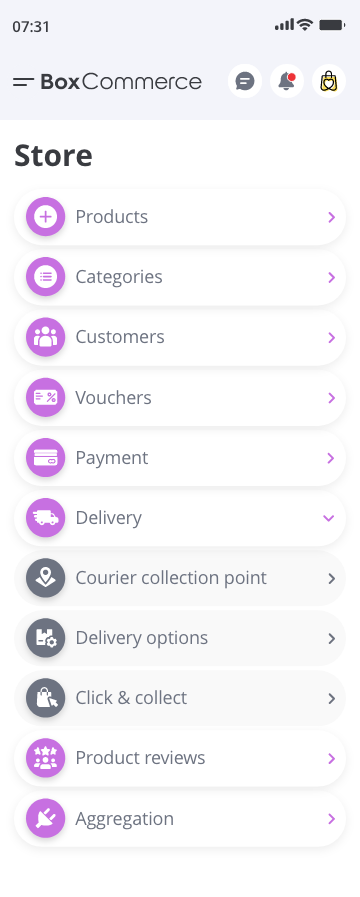
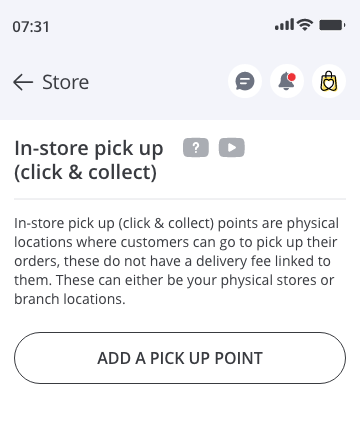
Step 2: You will then see this modal asking for more information about the pickup point.
Store name or neighbourhood - This should ideally be structured as the "Name of the store - Location" i.e. Nike - Grand central station.
Place name - If the building has a name, use it here. This is typically the name of the building or mall (if the store location is inside a mall).
Address line 1 - This is the main address line of the store.
Address line 2 - If your address has a second address line, you can provide it here (this is not mandatory because not all locations have an address line 2.
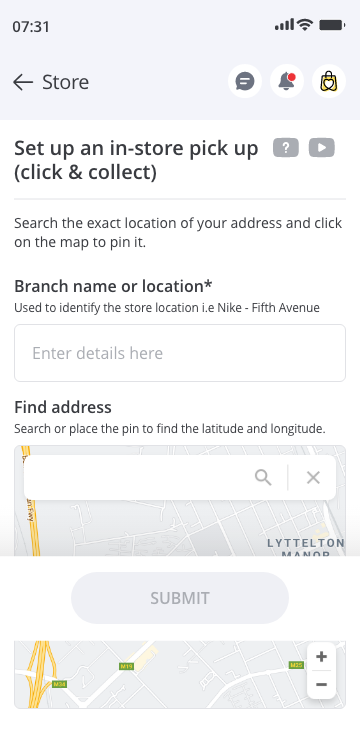
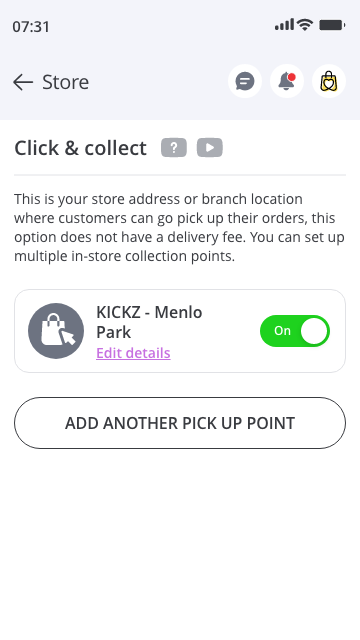
Step 3: Once you are done completing your in-store pickup location details, click on the "Activate" button to successfully add the location to your list of in-store pickup points.
Comments
0 comments
Please sign in to leave a comment.